The Browser as a Processing Environment
Five years ago, if you told a developer that a browser could run FFmpeg and process video files locally, you would have gotten some very skeptical looks. JavaScript was considered too slow for computationally intensive tasks like multimedia processing. The browser was for displaying web pages, not for running tools that traditionally required native compiled binaries.
WebAssembly changed that equation fundamentally. It provides a compilation target for languages like C, C++, and Rust that runs in the browser at near-native speed. And FFmpeg, the multimedia framework that powers everything from YouTube's backend to your favorite video editor, has been compiled to WebAssembly as FFmpeg.wasm.
I have spent the last two years working with this technology to build Remove Audio, and I have learned a lot about what browser-based video processing can and cannot do. Here is the technical reality behind the marketing.
"WebAssembly did not just make browser-based video processing possible. It made it practical. The performance gap between native and wasm has narrowed to the point where users cannot tell the difference for most common tasks."
What Is WebAssembly, Actually?
WebAssembly (often abbreviated wasm) is a binary instruction format that runs in a virtual machine inside your browser. Think of it as a standard assembly language that every browser agrees to execute, regardless of the underlying hardware. Your computer's CPU is x86 or ARM, but WebAssembly provides an abstraction layer that works on both.
The key properties that make WebAssembly useful for video processing are performance and sandboxing. Performance-wise, wasm code runs at 80 to 95 percent of native speed for most tasks. That is dramatically faster than JavaScript for computationally heavy work like video demuxing and codec operations. The sandboxing means wasm code cannot access your file system, network, or other browser tabs directly. It can only operate on data explicitly passed to it.
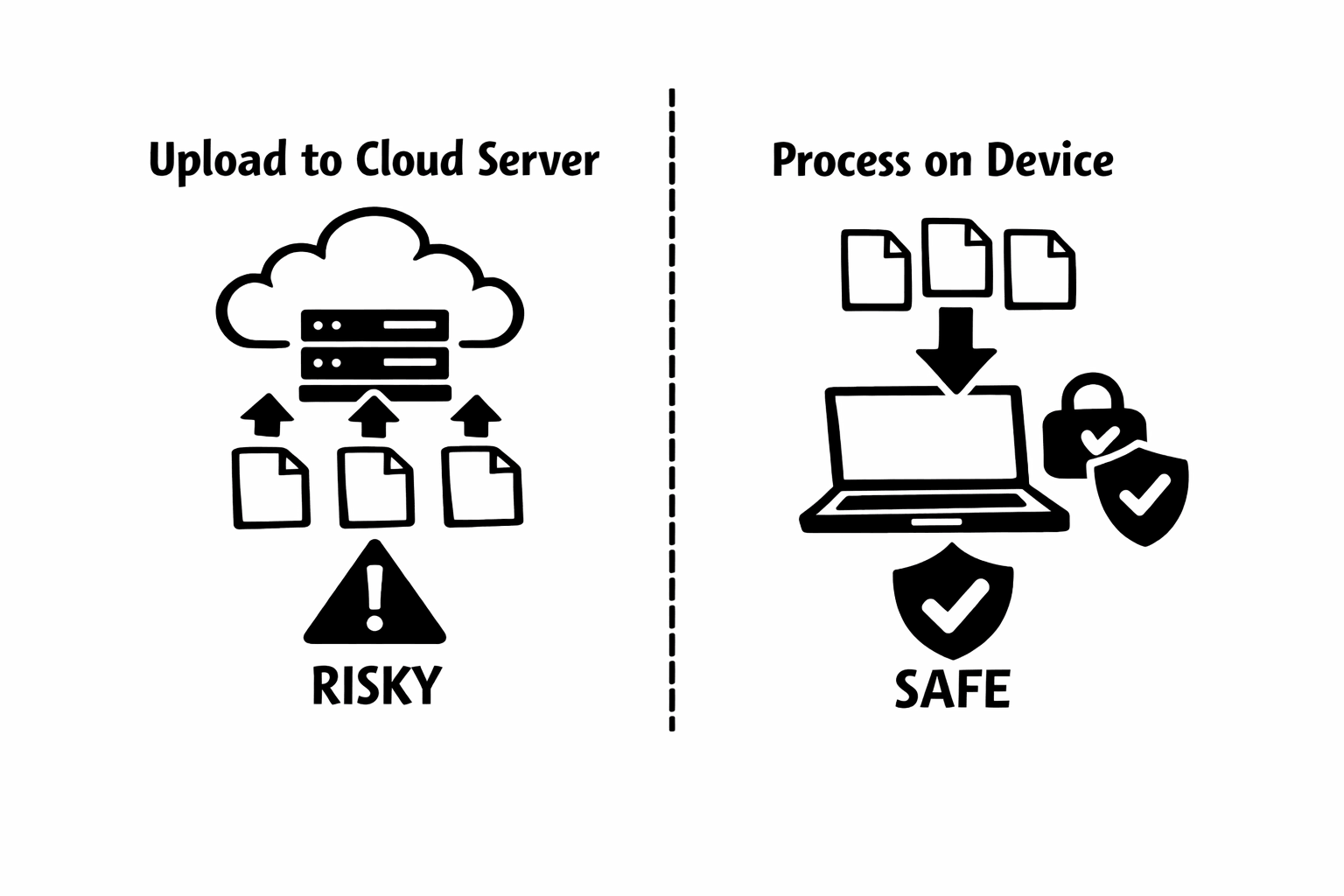
For a privacy-focused tool like Remove Audio, the sandboxing is as important as the performance. Even if there were a bug in the FFmpeg.wasm code, it could not exfiltrate your video data because the sandbox prevents unauthorized network access. Your video enters the wasm sandbox, gets processed, and comes back out. That is the only data flow.
FFmpeg.wasm: A Multimedia Powerhouse in the Browser
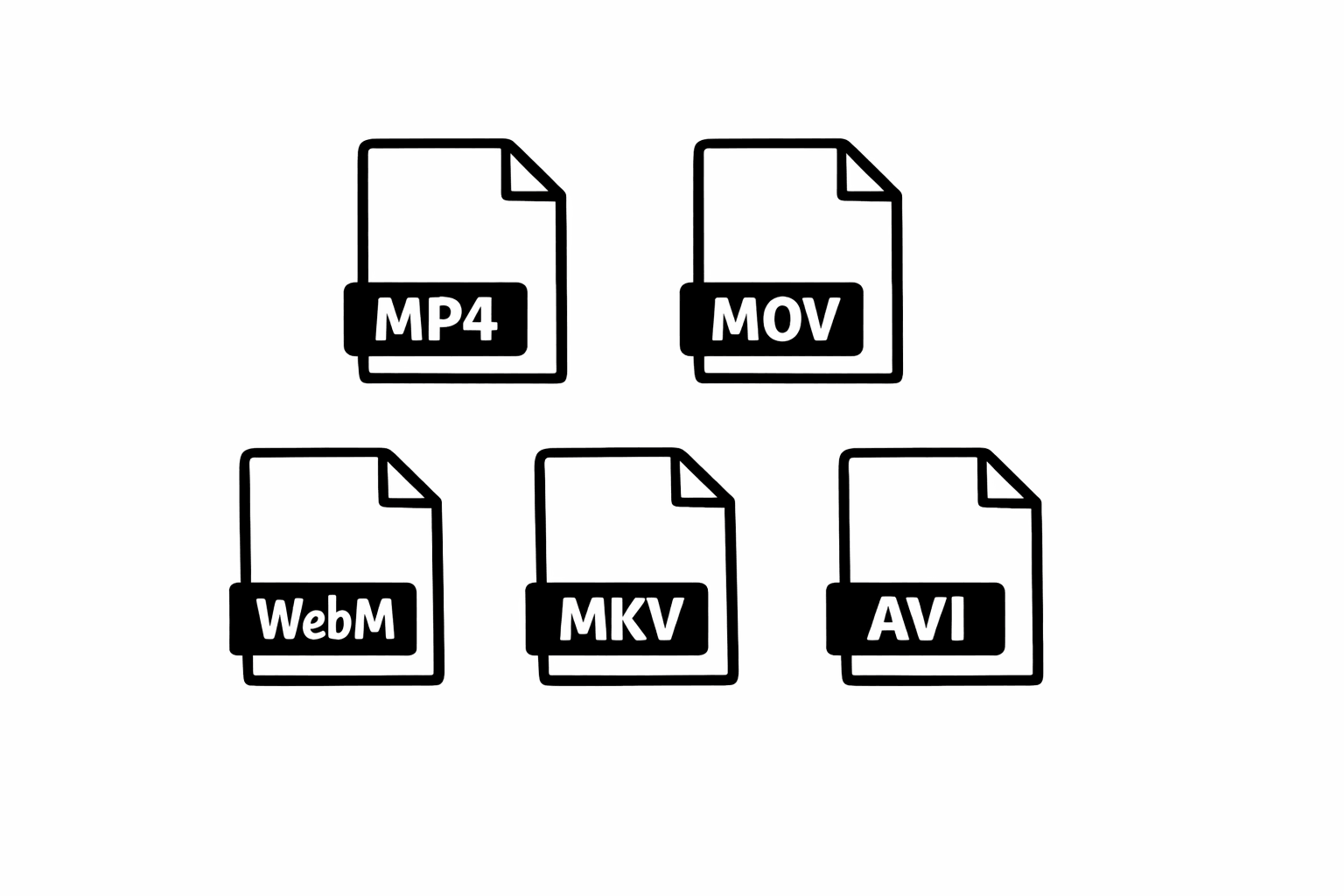
FFmpeg is the open-source multimedia framework that has been the backbone of audio and video processing for over two decades. It supports essentially every codec and container format in existence. Video platforms like YouTube, streaming services, and professional editing software all use FFmpeg or its libraries under the hood.
FFmpeg.wasm is a compilation of FFmpeg's core libraries to WebAssembly. This means you get FFmpeg's battle-tested multimedia capabilities running inside a browser tab. When you use Remove Audio, your browser downloads a compact wasm module (about 30 megabytes) that contains the FFmpeg code needed to parse, manipulate, and output video files.
The specific operation Remove Audio performs is straightforward in FFmpeg terms: it reads the input file, copies the video stream to the output, and omits the audio stream. Because it copies the video stream without decoding and re-encoding, the operation is fast and lossless. The video data passes through unchanged. Only the audio track is discarded.
How It Works Step by Step
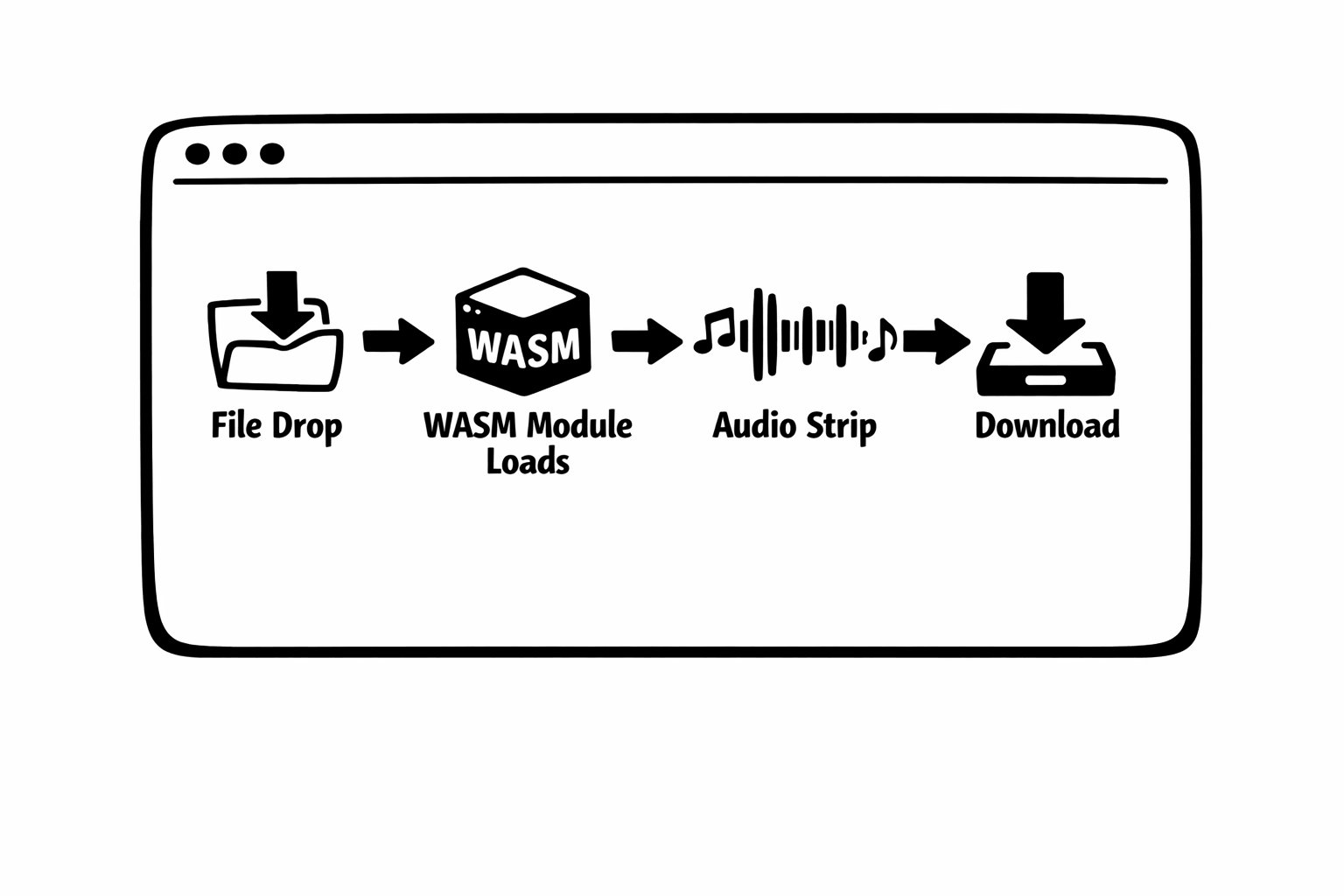
When you load remove-audio.com, your browser downloads the page assets and the FFmpeg.wasm module. The wasm module is cached after the first visit, so subsequent visits load faster.
When you select a video file, the browser reads it into memory using the File API. The file data stays in your browser's allocated memory. No network request is made. This is verifiable by anyone using their browser's developer tools: open the Network tab, upload a file, and observe that no upload request occurs.
The file data is then passed to the FFmpeg.wasm instance, which parses the container, identifies the video and audio streams, and executes the muxing operation. For audio removal, this means writing a new container that includes only the video stream (and any subtitle or metadata streams). The audio stream is simply not included in the output.
The output file exists in the browser's memory (technically, in the wasm instance's virtual file system). When processing completes, the tool creates a download link that points to this in-memory file. Clicking download triggers the browser's native download mechanism, saving the file to your device.
After the download, the memory is released. The original file, the wasm instance's working memory, and the output file are all garbage collected by the browser. Nothing persists unless you saved the download.
Performance: What to Expect
Browser-based video processing is fast, but it has different performance characteristics than native software. Here is what I have measured across thousands of real-world uses.
For audio removal specifically (which does not require decoding or re-encoding video), performance is primarily limited by file I/O speed, meaning how fast the browser can read the input file and write the output file. A 100-megabyte MP4 typically processes in 2 to 5 seconds on a modern desktop and 5 to 15 seconds on a phone.
The operation scales roughly linearly with file size. A 500-megabyte file takes approximately 5 times longer than a 100-megabyte file. This is because the bottleneck is data throughput, not computation.
Where browser-based processing gets slower is operations that require decoding and re-encoding, such as format conversion, transcoding, or applying filters. These tasks are computationally intensive and the 5 to 20 percent performance gap between wasm and native code becomes noticeable. For audio removal, this gap is irrelevant because we avoid re-encoding entirely.
Honest Limitations
I want to be straightforward about what browser-based processing cannot do well, because I think honesty about limitations builds more trust than pretending they do not exist.
Memory is the biggest constraint. Browsers limit the memory available to any single tab, and this limit is lower on mobile devices. A phone with 4 gigabytes of RAM might allocate only 1 to 2 gigabytes to a browser tab, and the tool needs to hold both the input and output files in memory simultaneously. This effectively limits the maximum file size to roughly half the available tab memory.
Background processing is not supported. If you close the tab or navigate away, processing stops. Native apps can run in the background, but browser-based tools depend on the tab staying open and active.
Some codecs are not included in the wasm build. To keep the download size reasonable (around 30 megabytes), the FFmpeg.wasm build includes the most common codecs but not every obscure format. Files using unusual codecs may fail to process.
Multi-threading support in wasm is still evolving. While some browsers support SharedArrayBuffer (which enables multi-threaded wasm), others restrict it for security reasons. This means some operations run single-threaded in certain browsers, which can be slower.
"I would rather build a tool that is honest about its limitations than one that promises the impossible. Browser-based processing is genuinely powerful, and it is genuinely constrained. Both things are true."
Where Browser-Based Processing Is Heading
The web platform continues to evolve in ways that make browser-based media processing more capable. The WebCodecs API provides direct access to hardware video decoders and encoders, bypassing the need for wasm-based codec implementations. The File System Access API enables reading and writing files without loading them entirely into memory. The Web Workers API allows background processing in separate threads.
I expect that within a few years, browser-based video tools will be functionally equivalent to lightweight native apps for most common tasks. The gap is narrowing with every browser release, and the privacy advantages of local processing are driving developer interest.
For developers interested in building similar tools, the ecosystem is more mature than you might expect. FFmpeg.wasm has solid documentation and an active community. The toolchain for compiling C and Rust to wasm is well-established. And the demand for privacy-respecting tools that process data locally is growing. It is a good time to explore this space.
Your Browser Is More Powerful Than You Think
WebAssembly has quietly transformed what is possible in a browser tab. Operations that used to require native software or server uploads can now happen locally, privately, and at performance levels that are genuinely practical for real-world use.
Remove Audio is one example of what this technology enables. A video processing tool that requires no installation, creates no account, makes no server upload, and still delivers the result you need in seconds. The technical stack is fascinating, but what matters to users is the experience: drop a file, get a result, and know that your video never left your device.
If you are curious about the technology or want to test it yourself, try processing a video at remove-audio.com. Watch the Network tab in your browser's developer tools. You will see the page load, and then nothing. No upload. No server request. Just your browser doing the work locally. That is WebAssembly at work.