It Started with Annoyance
In late 2023, I needed to strip audio from a screen recording before sending it to a client. The recording had captured my end of a phone call that was happening in the background, and I needed to remove it before the video could be shared.
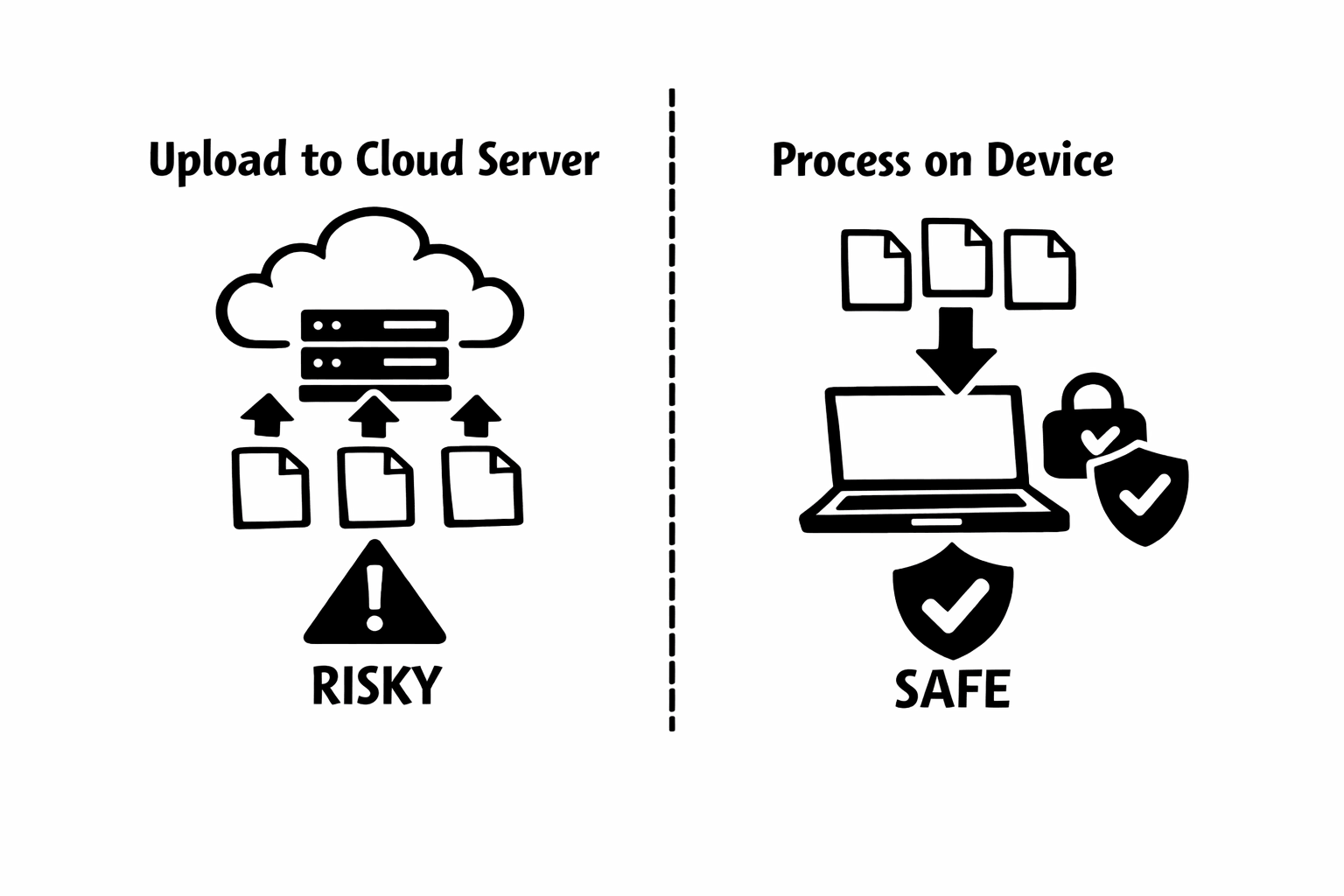
I searched for a quick solution and found dozens of websites offering to remove audio from video. They all wanted me to upload my file to their server. A file that contained audio of a private phone conversation. To an unknown server. Run by an unknown company. With an unknown data retention policy.
I closed every tab and opened my terminal instead. One FFmpeg command later, the audio was gone. But the experience stuck with me. Not everyone knows FFmpeg. Not everyone has it installed. And the fact that the obvious solution for most people involved uploading potentially sensitive content to random servers bothered me as a developer who cares about privacy.
"The moment I realized the 'easy' solution for most people was uploading private audio to stranger's servers, I knew I had to build something better."
The Architecture Decision That Defined Everything
The core technical question was straightforward: could I run FFmpeg in a browser? If the answer was yes, then the entire upload-to-server model was unnecessary. Users could process their videos locally, and their files would never leave their device.
The answer turned out to be yes, thanks to FFmpeg.wasm. This is a WebAssembly port of FFmpeg, the same multimedia framework that powers virtually every professional video tool in existence. Someone had done the incredible work of compiling this C-based tool to run in a browser sandbox.
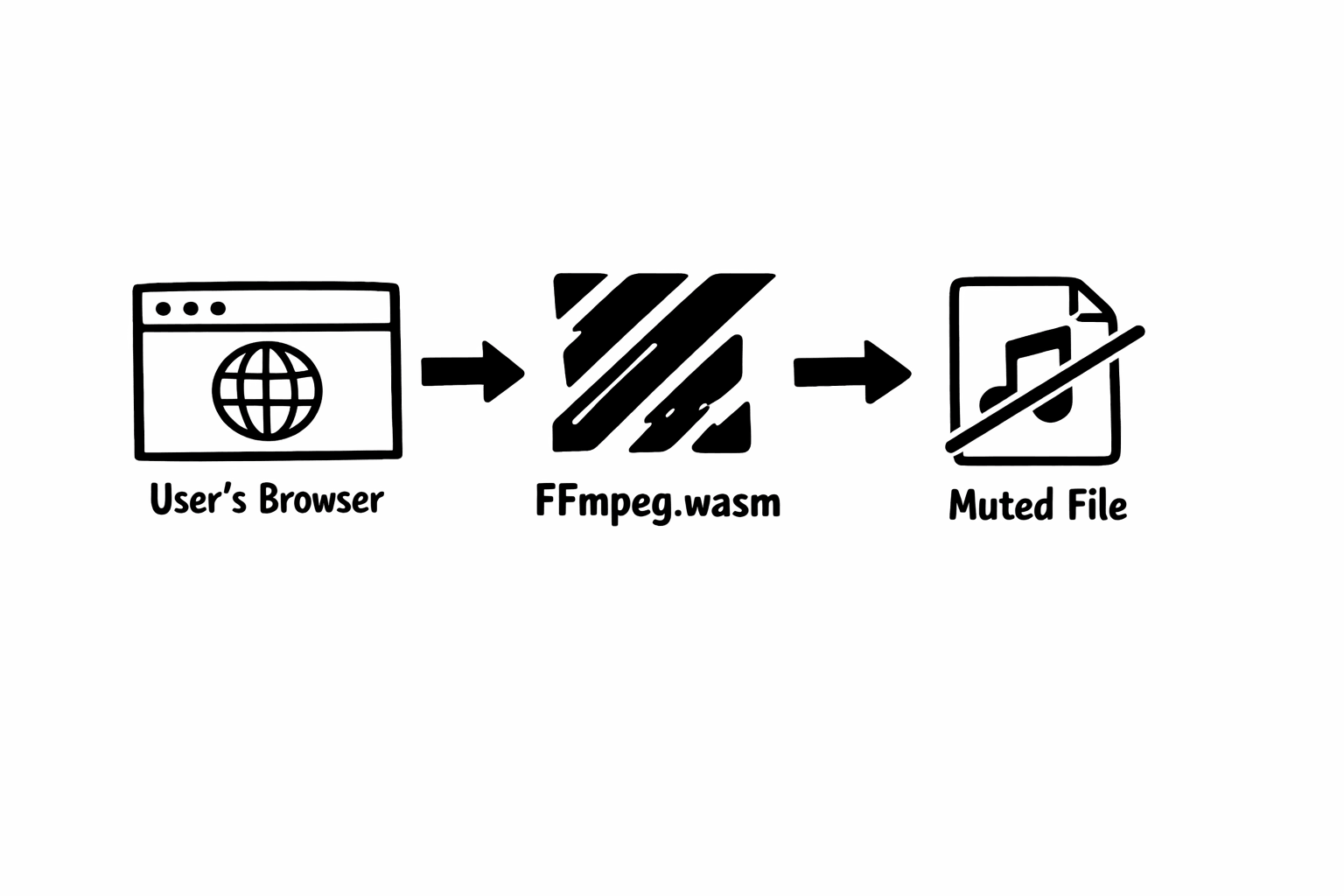
When I first got FFmpeg.wasm running in a prototype, I watched it strip an audio track from a video file entirely within the browser tab. No network request. No server. The file went from the user's disk into browser memory, got processed by WebAssembly, and came back out as a download. I remember thinking: this is how every online video tool should work.
The Technical Challenges Nobody Warns You About
Getting FFmpeg.wasm to work in a demo is one thing. Getting it to work reliably across every browser, device, and file format people throw at it is entirely different. Here are the problems that consumed most of my development time.
Memory management was the biggest challenge. Browsers allocate limited memory to each tab, and mobile browsers are especially constrained. When a user loads a 500-megabyte video file, the browser needs to hold the original file, the processing buffer, and the output file simultaneously. On a phone with 3 gigabytes of RAM shared across every open app and tab, that math gets tight fast.
I spent weeks optimizing how the tool handles files in memory. Streaming the file in chunks, processing incrementally, and releasing memory as soon as each stage completes. The result is that the tool handles much larger files than a naive implementation would allow, but there are still upper limits that depend on the user's device.
Cross-browser compatibility was another rabbit hole. WebAssembly is supported by all major browsers, but the specifics of how each browser implements it differ in subtle ways. Safari on iOS handles SharedArrayBuffer differently than Chrome on Android. Firefox has its own memory allocation quirks. I built a test matrix covering over 30 browser and device combinations and ran it every time I pushed a change.
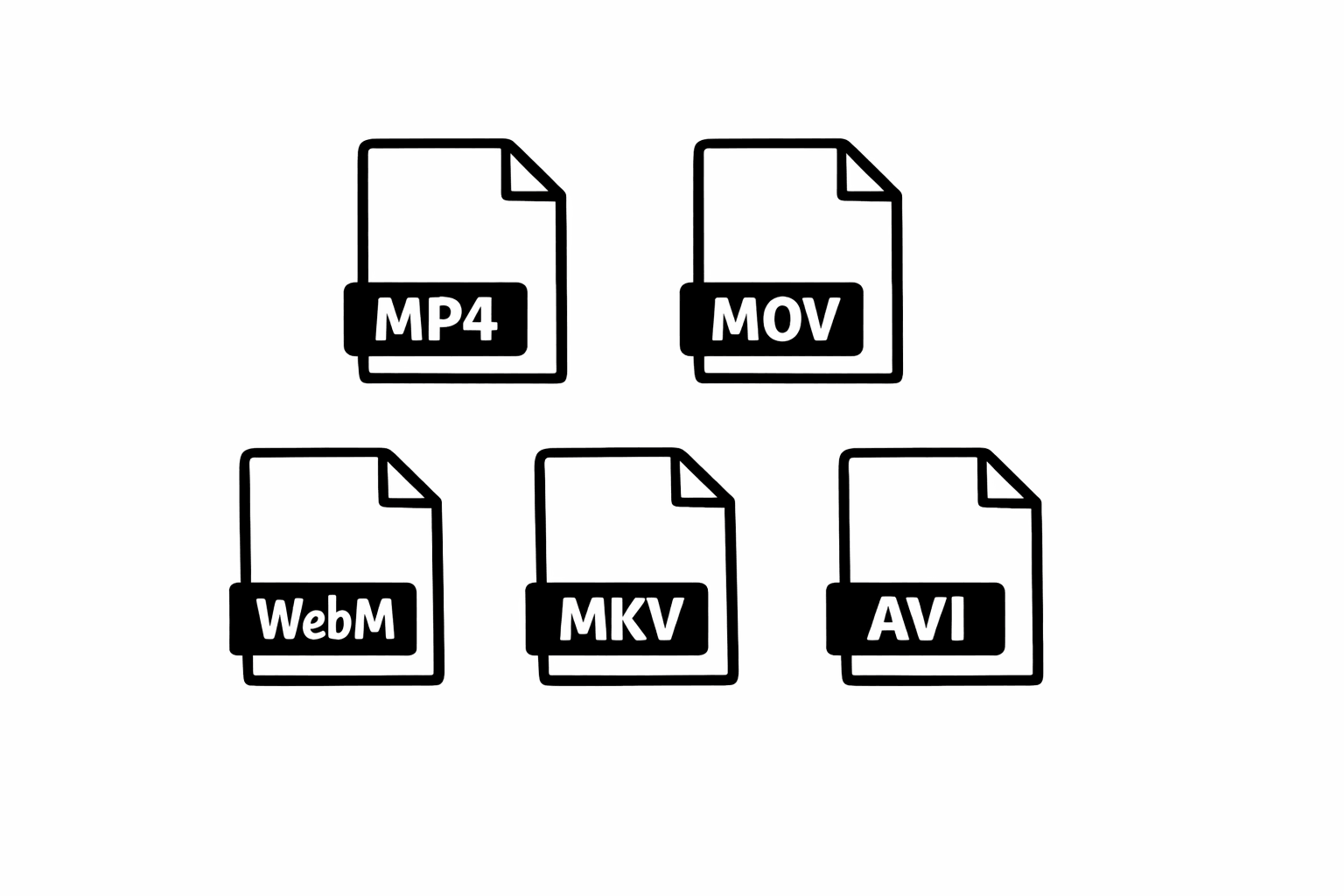
Format support was surprisingly tricky too. FFmpeg supports virtually every format, but the WebAssembly build does not include every codec to keep the download size reasonable. I had to find the right balance between supporting common formats (MP4 with H.264, MOV, WebM) and keeping the initial page load fast. Most users never encounter an unsupported format, but the ones who do get a clear error message and can contact me for help.
Privacy Is an Architecture Choice, Not a Feature
One thing I want to be very clear about: Remove Audio is not private because we promise not to look at your files. It is private because your files physically cannot reach us. There is no server endpoint that accepts video uploads. There is no API that receives file data. The processing code runs in your browser's sandbox, and the only network requests the page makes are for loading the tool itself and for analytics and ads.
This distinction matters more than most people realize. When a company says your data is secure on their servers, you are trusting their security practices, their employees, their infrastructure, and their future decisions about data retention. When your data never leaves your device, none of those trust questions apply.
I deliberately chose this architecture even though it means I cannot offer some features that server-based tools provide. I cannot process videos larger than what the browser's memory can handle. I cannot offer background processing while the user closes the tab. I cannot provide a mobile app that processes in the background. These are real trade-offs, and I think they are worth making.
"Privacy should not require trust. If your files never leave your device, there is nothing to trust. That is the architecture I wanted."
The Solo Developer Reality
Building Remove Audio as a solo developer means I make every decision, from the color of a button to the FFmpeg command flags to the privacy policy wording. This has advantages: the tool stays focused, decisions are fast, and there is no committee diluting the core mission. But it also means every bug report, every support email, and every late-night deployment is on me.
The hardest part of solo development is not the code. It is the constant context-switching between developer, designer, technical writer, support agent, and marketer. I will be deep in a WebAssembly memory optimization problem and get an email from a user whose download failed on Safari iOS 16 on a specific iPad model. Both need attention. Neither can wait.
What keeps me going is the feedback. Every time someone emails to say that the tool saved them from uploading a sensitive video to a random website, or that they muted 50 clips in an afternoon for their social media calendar, or that their grandparent was able to use it without help, it reminds me why I built this. Simple tools that respect people's privacy and actually work. That is the mission.
What I Have Learned About Building Tools People Use
After more than 10 years of building web tools, here is what I keep coming back to: the tools that get used are the ones that get out of the way. Nobody wants to spend time in a video muting tool. They want to mute a video and move on with their day. Every second of friction, every unnecessary step, every confusing UI element is a reason for someone to close the tab and find an alternative.
This philosophy shapes everything about Remove Audio. One page. One action. Drop a file, click a button, download the result. I have resisted the temptation to add features that would complicate the core experience. No audio editing. No video trimming. No filters. Not because those features are bad, but because they would distract from the thing people came to do.
The other lesson is that trust is earned slowly and lost instantly. I have been transparent about how the tool works, what data the site collects (analytics and ad data, not video content), and what the limitations are. When something breaks, I fix it and communicate honestly. When a user has an edge case I cannot support, I tell them rather than letting them waste time.
Building a tool that people rely on is a responsibility I take seriously. Every video someone processes through Remove Audio might contain private moments, sensitive information, or professional content they are counting on me not to mess up. That weight keeps the code quality high and the privacy architecture non-negotiable.
What Comes Next
Remove Audio will continue to be a focused, privacy-first tool that does one thing well. I have a list of improvements I am working on: better performance on low-end devices, broader format support, and improved accessibility features. But the core architecture, local processing with no server uploads, will never change.
I also plan to write more about the technical side of browser-based video processing. The web platform is more capable than most developers realize, and I think we will see more tools that process sensitive media locally rather than requiring server uploads. If this post resonated with you, keep an eye on the blog for deeper technical dives.
And if you have made it this far, thank you for reading. Whether you use Remove Audio regularly or you just stumbled across this post, I appreciate the time. If you have questions about the tool, the technology, or anything I have written here, reach out through the contact page. I read and respond to every message personally.
Building for Privacy in an Upload-Everything World
The web has normalized uploading personal content to remote servers for even the simplest processing tasks. I think that default is worth questioning, especially for tools that handle video and audio. Not every task needs a server. Not every file needs to leave your device.
Remove Audio is my answer to that question: a tool that proves you can deliver a good user experience without ever touching a user's files. WebAssembly made it possible. Stubbornness made it happen. And the feedback from users who care about their privacy as much as I do makes it worth continuing.
If you are a developer considering a similar approach for your own tools, I am happy to share what I have learned. And if you are a user who just wants to mute a video without worrying about where your file goes, that is exactly what I built this for.