Why Silent Instagram Content Works
Here is a stat that changed how I think about video content: roughly 85 percent of Facebook and Instagram videos are watched without sound. I remember reading that number for the first time and thinking about all the effort creators put into audio that most viewers never hear.
As a developer who builds video tools, this shifted my perspective entirely. Removing audio is not about making your content worse. It is about optimizing for how people actually consume it. Silent video with good captions and strong visuals outperforms audio-dependent content in the Instagram feed almost every time.
Whether you are muting to avoid copyright issues, replace bad audio with music, or simply create cleaner content for the sound-off majority, here is how to do it right.
"When I realized most Instagram viewers watch on mute, I stopped thinking of audio removal as a compromise and started seeing it as an optimization."
Method 1: Instagram's Built-In Audio Controls
Instagram has mute controls built into its posting flow, though they are not always obvious. Here is how to find them.
When creating a new Reel or Story, look for the speaker icon on the editing screen. Tapping it toggles between sound on and sound off. A line through the speaker means audio is muted. This is the quickest option if you are posting directly from the app.
For feed videos, the process is similar. During the upload flow, you will see audio controls that let you adjust or mute the original sound before publishing.
The limitation is that this only works during the posting process. If you want to create a permanently silent version of a video for use across multiple platforms, or if you want to mute a clip before bringing it into a third-party editor, you need a different approach.
Method 2: Free Browser-Based Audio Removal
This is the method I recommend for any video you want to share beyond just Instagram, or when you need a clean silent file for editing.
I built this tool specifically for workflows like this. You get a permanently silent file that works anywhere: Instagram, TikTok, YouTube, email, whatever. There is no watermark, no account required, and no limit on how many videos you process.
A workflow I see a lot of creators use: mute the base video with the browser tool, then import the silent clip into Instagram and add licensed music or a voiceover using Instagram's built-in audio tools. This gives you full control over the final audio without any background noise competing with your chosen soundtrack.
- Open any browser on your phone or computer and go to remove-audio.com.
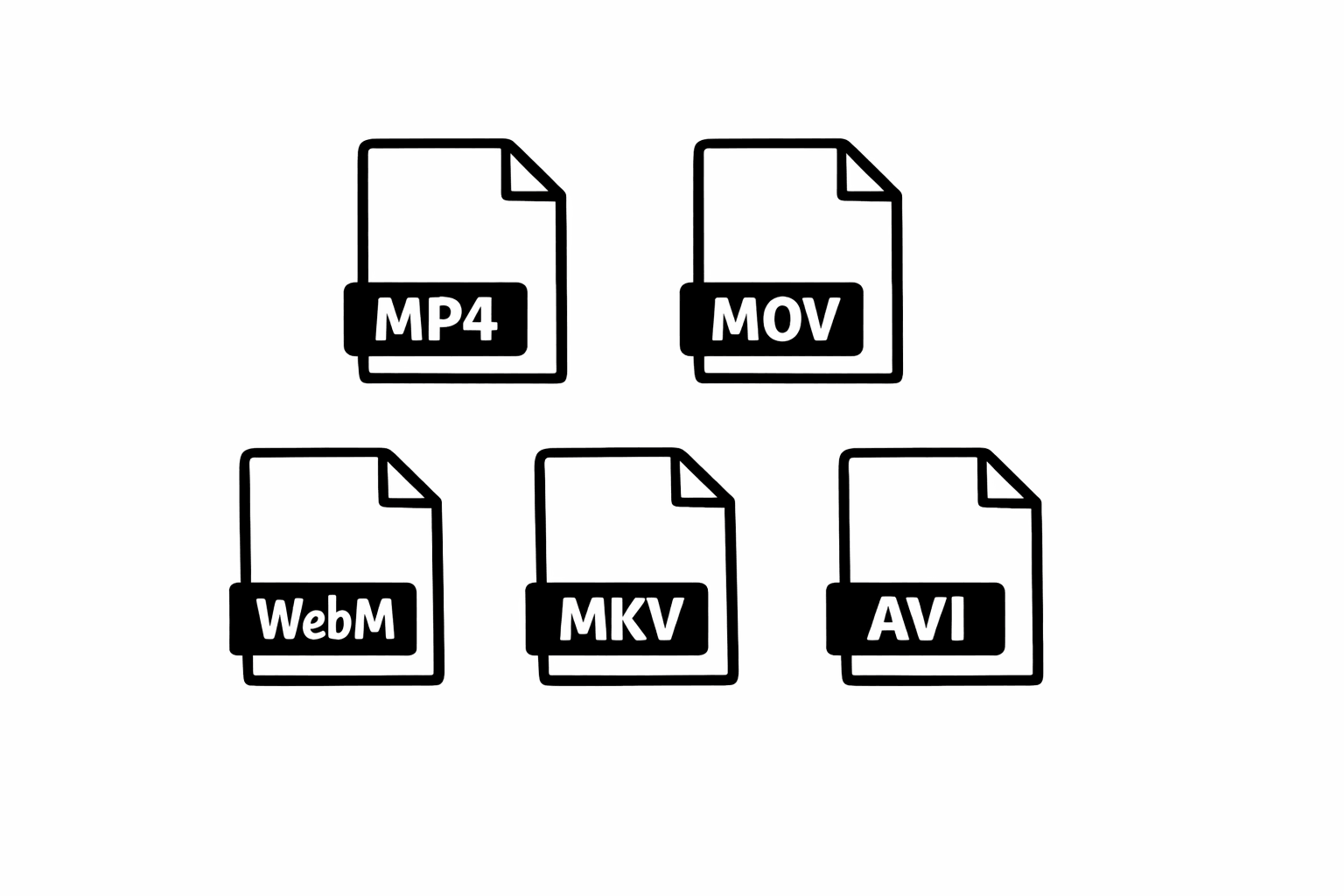
- Upload your video file. The tool supports MP4, MOV, and all common formats Instagram uses.
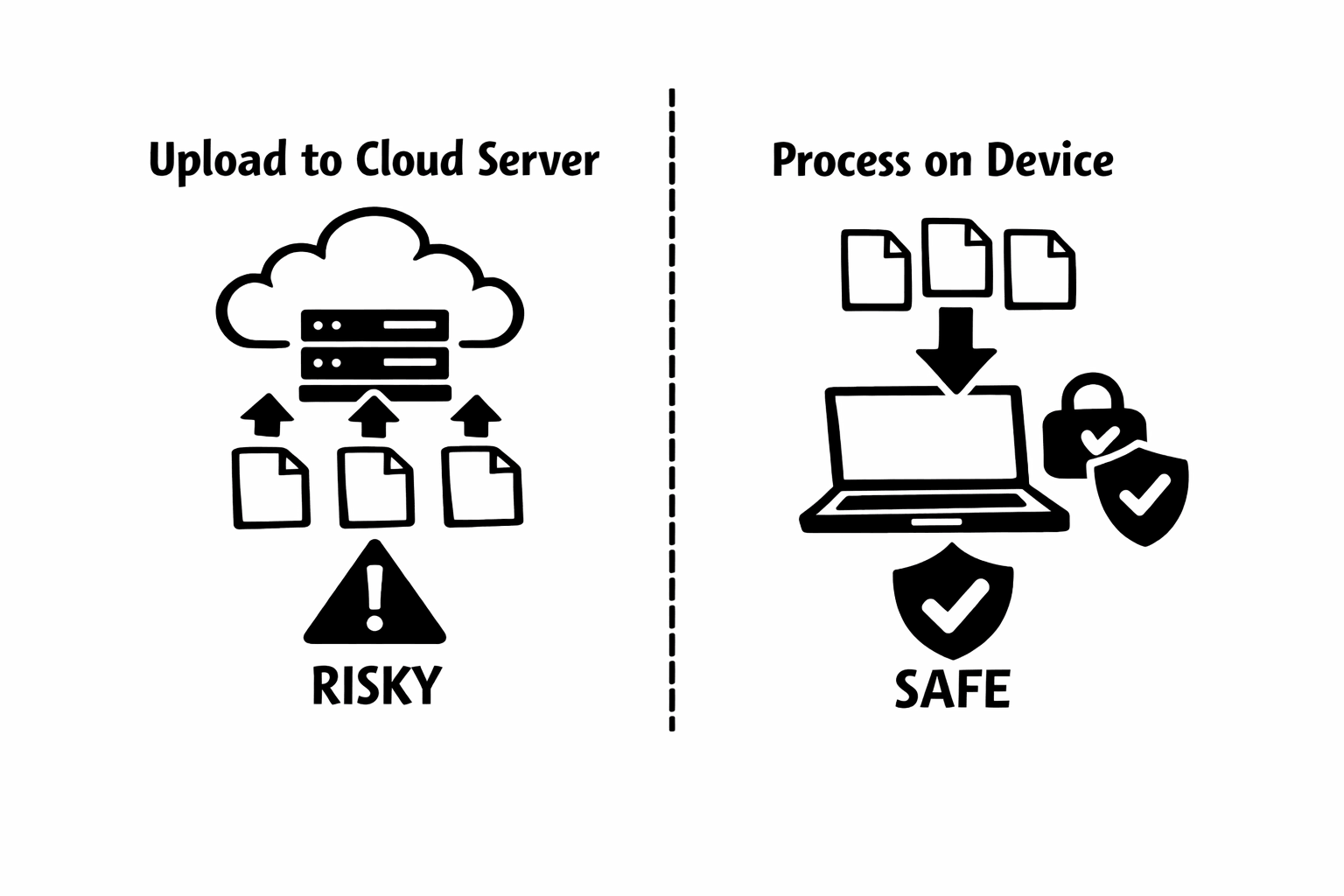
- Click Remove Audio. Processing happens entirely in your browser. Your video is not uploaded to any server.
- Download the muted file. It retains the original quality, resolution, and frame rate.
Pro Tips for Silent Instagram Content
After watching how creators use silent video on Instagram, here are the patterns that consistently perform well.
- Add captions or text overlays to every silent clip. Instagram has built-in caption generation, but you get more control by adding text yourself. Bold, readable text ensures your message lands even at mute.
- Use strong visual hooks in the first second. Without audio to grab attention, your opening frame needs to stop the scroll. Bright colors, unexpected visuals, or on-screen text that sparks curiosity all work well.
- Consider your pacing. Silent content often benefits from slightly faster cuts. Without audio transitions to guide the viewer, visual momentum keeps people watching. Trim any dead space aggressively.
- Test Reels with and without audio. Instagram's analytics will show you the difference. Many creators discover their silent versions perform just as well or better than audio versions, especially for tutorial and demonstration content.
- If you do add music after muting, pick tracks from Instagram's licensed library to avoid copyright strikes. Starting from a silent base means the music sits cleanly in the mix with no original audio bleeding through.
Common Mistakes to Avoid
I have seen these trip up creators repeatedly.
Silent Reels: A Growing Trend
I have been tracking a noticeable trend in Instagram Reels over the past year. More creators are posting visually-driven Reels with trending audio added purely for algorithmic reach, while the actual content is designed to work without sound. The audio is a discovery mechanism, not a content pillar.
This strategy works particularly well for educational content, product showcases, before-and-after transformations, and food content. The visual tells the story. The audio is optional enhancement.
If you are a creator who has not tried this approach, start with your best-performing visual content. Mute it, add captions, and post it as a Reel with a trending sound. Compare the performance to your audio-dependent content. The results might change your content strategy.
Make Silence Work for You on Instagram
Instagram's shift to video-first content has made audio control more important than ever for creators. Whether you use the app's built-in mute toggle for quick posts or my browser tool for clean, permanent audio removal, the key is being intentional about sound.
Most of your audience is watching on mute anyway. Design for that reality instead of fighting it. Strong visuals, clear text, and purposeful pacing will serve you better than hoping someone turns their volume up.
I built Remove Audio to make the technical part of this process disappear. No installs, no uploads, no friction. Just a silent video ready for whatever creative direction you want to take it. Give it a try and see how it changes your Instagram workflow.