Why TikTok Creators Need Audio Control
When I first launched Remove Audio, I expected most users to be removing wind noise from vacation clips. I was wrong. Over 60 percent of the videos processed through the tool are TikTok content. Creators are stripping audio for dozens of reasons I never anticipated, and it changed how I think about the tool entirely.
TikTok's algorithm heavily favors videos that use trending sounds. That means your original audio, recorded in a noisy kitchen or a windy park, is often working against you. The smart move is to start with a clean, silent clip and layer the right audio on top. It sounds counterintuitive, but removing audio is often the first step to better audio.
Beyond trending sounds, there are practical reasons too. Copyright strikes on original background music. Conversations you did not mean to capture. HVAC hum that makes your tutorial sound like it was filmed inside a refrigerator. Whatever the reason, you need a reliable way to strip audio without destroying video quality.
"I built Remove Audio because I got tired of opening heavyweight editors just to delete a sound track. Thirty seconds in a browser beats ten minutes in Premiere every time."
Method 1: Remove Audio with a Free Browser Tool
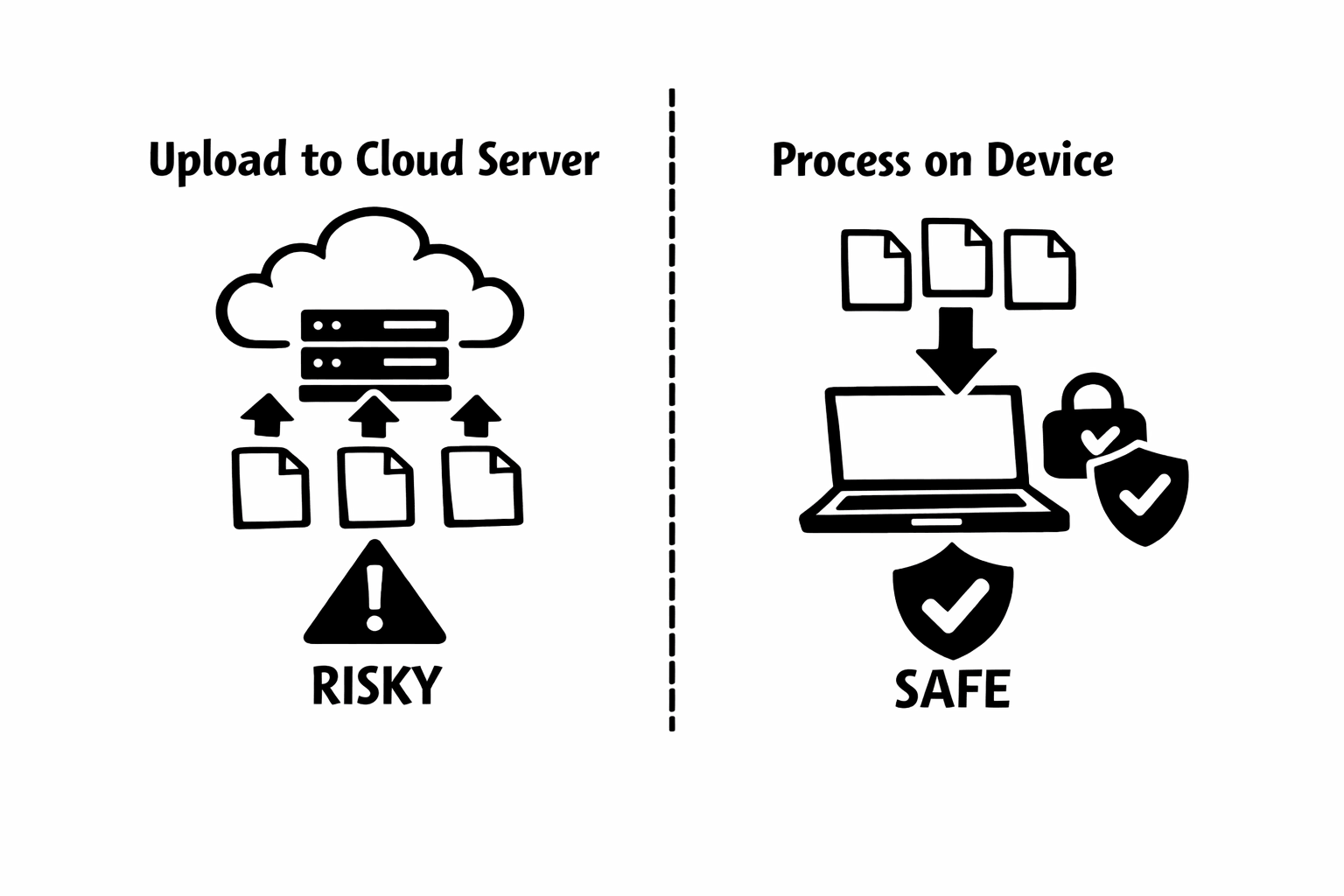
This is the method I built and the one I use personally. It works on any device with a modern browser, takes about 30 seconds, and your video never leaves your device.
- Save your TikTok video to your device first. In TikTok, tap Share and then Save Video. If you are working with a video you recorded separately, just make sure it is on your phone or computer.
- Open your browser (Chrome, Safari, Firefox, Edge all work) and go to remove-audio.com.
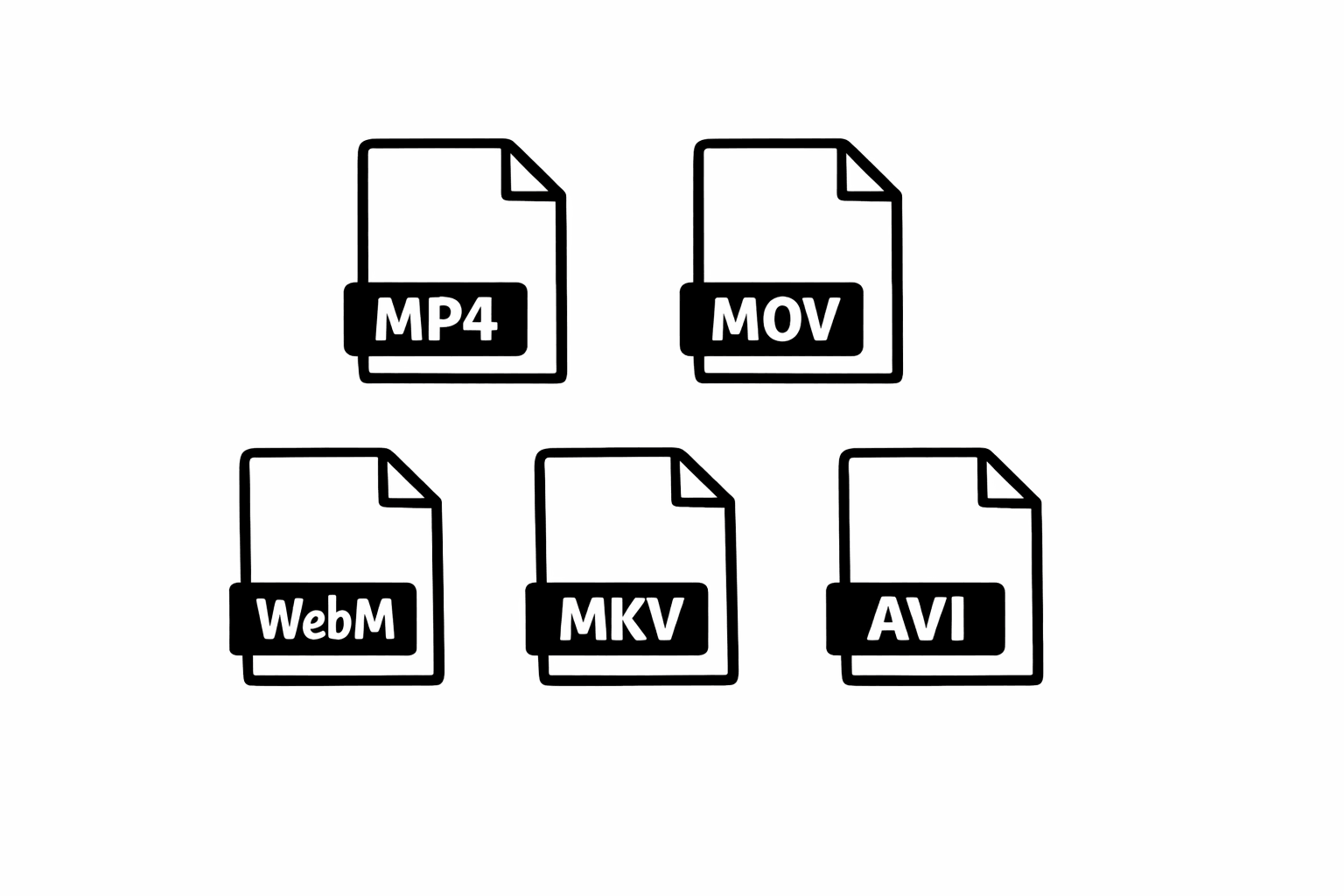
- Tap or click the upload area and select your video file. MP4, MOV, WebM, and most common formats are supported. The file loads into your browser's memory, not to any server.
- Click Remove Audio. Processing happens locally using WebAssembly (the same technology that powers the tool, which I explain in detail in my technical deep-dive post). Most TikTok-length videos finish in under 10 seconds.
- Download the muted file. It keeps the exact same resolution, frame rate, and quality. The only difference is the audio track is gone.
Method 2: Mute Audio Inside the TikTok App
TikTok itself has audio controls, though they are not as obvious as you might expect. Here is how to use them effectively.
The limitation here is that this only works when you are creating a new post inside TikTok. You cannot use this method to mute an already-published TikTok or to create a silent version of someone else's video (with permission, of course). For those cases, save the video to your device first, then use the browser tool from Method 1.
One thing I have noticed from creator feedback is that TikTok's built-in mute sometimes does not fully remove audio. It sets volume to zero during playback, but the audio data may still be embedded in the file. If you need a truly audio-free file, for instance to re-upload to another platform, the browser tool gives you a cleaner result.
- Open TikTok and tap the plus button to create a new video. Select the clip from your gallery that you want to post.
- On the editing screen, look for the volume or sound controls. Tap Sounds at the bottom, then look for the Volume option.
- You will see sliders for Original Sound and Added Sound. Drag the Original Sound slider all the way to zero.
- Your clip now plays silently in the preview. You can add a trending sound, your own voiceover, or leave it silent.
Method 3: Use CapCut (TikTok's Companion Editor)
CapCut is made by ByteDance, the same company behind TikTok, so it integrates well with TikTok workflows.
- Open CapCut and start a new project. Import the video you want to mute.
- Tap the clip in the timeline, then tap the Volume or Audio option in the toolbar.
- Set the volume to zero or use the Mute option if available.
- Export the video. CapCut will render a new file without audible audio.
- Upload the exported clip to TikTok and add whatever audio you want.
Pro Tips from Working with TikTok Creators
After watching thousands of creators use my tool, here are the patterns I have seen from the most successful ones.
- Build a library of silent base clips. Record your best footage, mute it immediately, and save it in a dedicated folder. When a sound trends, you can pair it with polished footage in minutes instead of scrambling to film something new.
- Test multiple sounds against the same silent clip. The TikTok algorithm can be unpredictable. I have seen creators post the same visual with three different trending sounds and get wildly different reach. Starting from a muted base makes this experimentation trivial.
- Use silent B-roll between talking segments. Product demos, transitions, scenic shots, and close-ups all work beautifully when muted and layered with music or voiceover. It gives your content a more polished, intentional feel.
- Pay attention to timing. When your base clip is silent, you can sync visual cuts to the beat of whatever sound you add. This is much harder when your original audio is fighting the added track.
- Consider accessibility. TikTok now shows captions by default for many users. A silent base clip with well-timed text overlays often outperforms a clip that relies on audio alone. You reach the sound-off scrollers and the hearing-impaired community simultaneously.
Troubleshooting Common Issues
Based on the support questions I get most often, here are solutions to the usual problems.
If processing seems slow, the most common cause is file size. TikTok videos are usually short, so they process fast. But if you are working with a longer clip (over 5 minutes) or a 4K file, give it a bit more time. On older phones, closing other browser tabs frees up memory and speeds things up.
If the download does not start automatically, check your browser's download settings. Safari on iPhone saves files to the Files app by default, which confuses some people who expect it in their Photos library. On Android, check your Downloads folder.
If a video fails to process entirely, the file might use an uncommon codec. This is rare with TikTok videos (they are almost always H.264 in an MP4 container), but it can happen with screen recordings or videos from other apps. Try re-saving the video through your phone's gallery app first, which usually converts it to a standard format.
"The best TikTok workflows start with clean footage. Muting your base clips is not a limitation. It is creative freedom."
Why Audio Strategy Matters on TikTok
TikTok is fundamentally an audio-visual platform, and the algorithm treats audio as a discovery mechanism. When you use a trending sound, TikTok shows your video to people who have engaged with that sound. When you use original audio, you are relying entirely on visual appeal and your existing audience to generate reach.
This is why stripping your original audio and replacing it strategically is not just a technical task. It is a growth strategy. The creators I have watched succeed consistently are the ones who treat audio as a deliberate choice, not an afterthought.
I have seen cooking creators mute their kitchen audio and add ASMR-style sounds that triple their engagement. I have seen fitness creators strip gym noise and add motivational tracks that make their content shareable. The pattern is always the same: intentional audio beats accidental audio.
Start with Silence, End with Impact
Removing audio from TikTok videos is one of those small steps that makes a disproportionate difference in your content quality. Whether you use my browser tool for a quick 30-second strip, TikTok's built-in volume controls, or CapCut for a more involved edit, the important thing is to be intentional about your audio.
I built Remove Audio to make the muting step as frictionless as possible. No downloads, no accounts, no servers touching your files. Just a clean tool that does one thing well. If you are a TikTok creator who has not tried starting from a silent base, give it a shot. The difference in your workflow, and often your engagement, might surprise you.
Have questions about muting videos or want to share how you use silent clips in your TikTok strategy? I would love to hear from you. Drop me a line through the contact page.