Beyond the Obvious
When I launched Remove Audio, I had a straightforward assumption about who would use it: content creators removing background noise. That turned out to be maybe 30 percent of the actual use. The other 70 percent taught me that audio removal sits at the intersection of privacy, creativity, accessibility, and practicality in ways I never expected. This is not a listicle of reasons to mute your videos. It is a genuine exploration of why silence has become so valuable in a world that will not stop making noise.
The Privacy Argument Nobody Talks About
The most eye-opening discovery I had was how many people remove audio for privacy reasons. A parent muting a home video because their child's voice is in the background before sharing the clip online. A therapist removing audio from a screen recording of a virtual session before using a still frame in a presentation. A journalist stripping audio that might identify a source.
We think about video privacy in terms of faces and locations, but audio is often the more revealing layer. A voice can identify someone. Background conversation can expose sensitive information. Even ambient sounds like a specific notification tone, a dog barking, or a TV show playing can reveal more about someone's life than they intended to share.
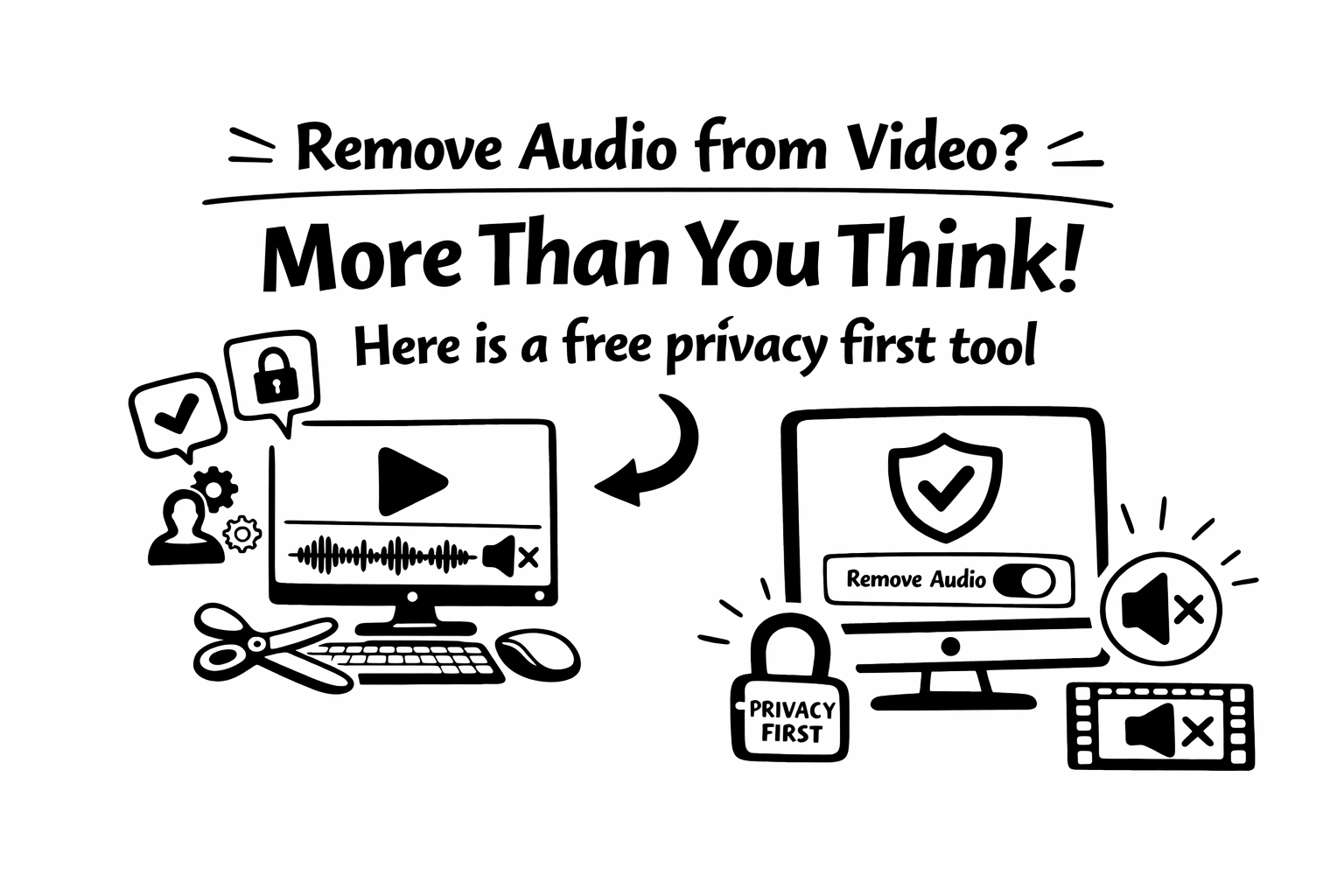
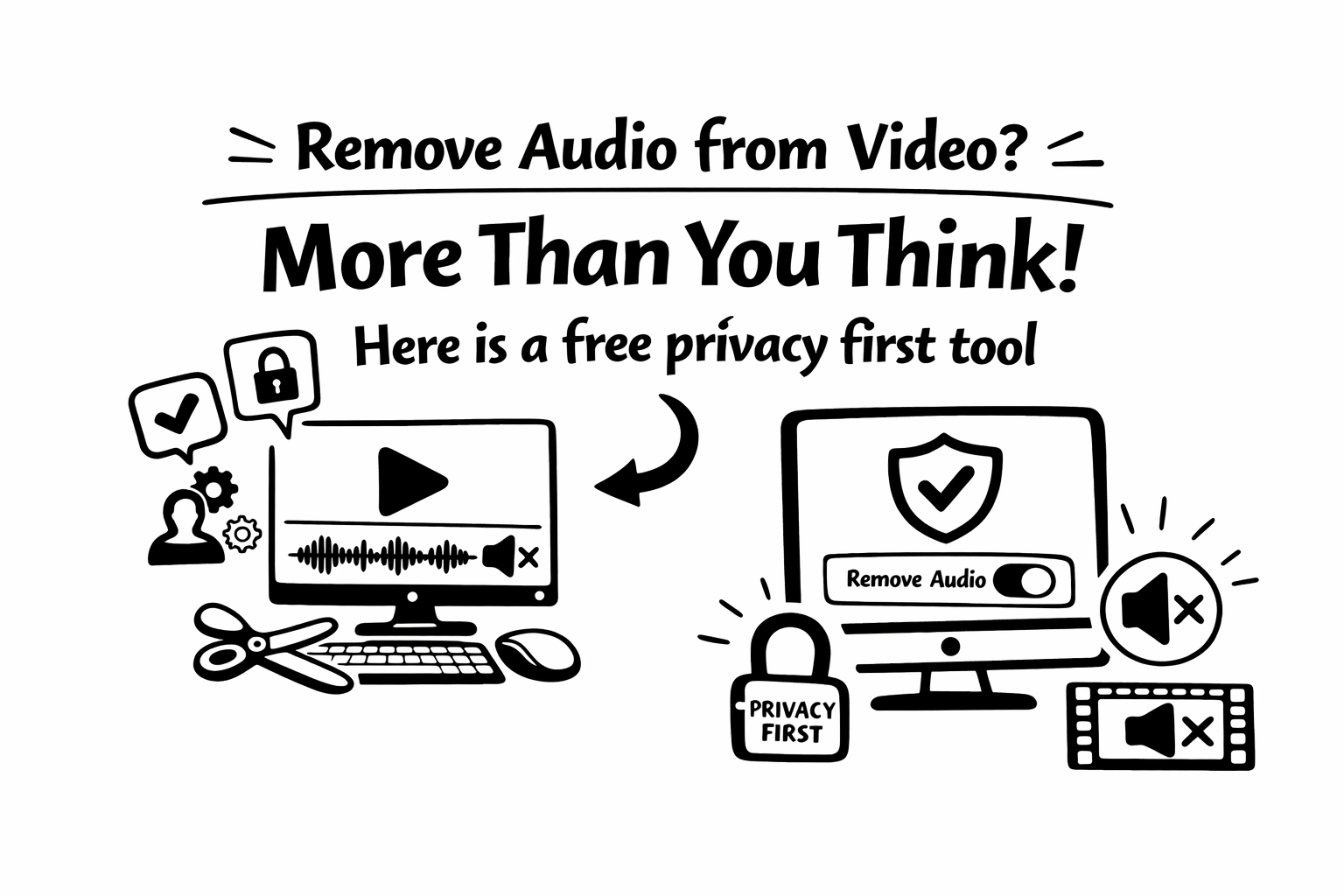
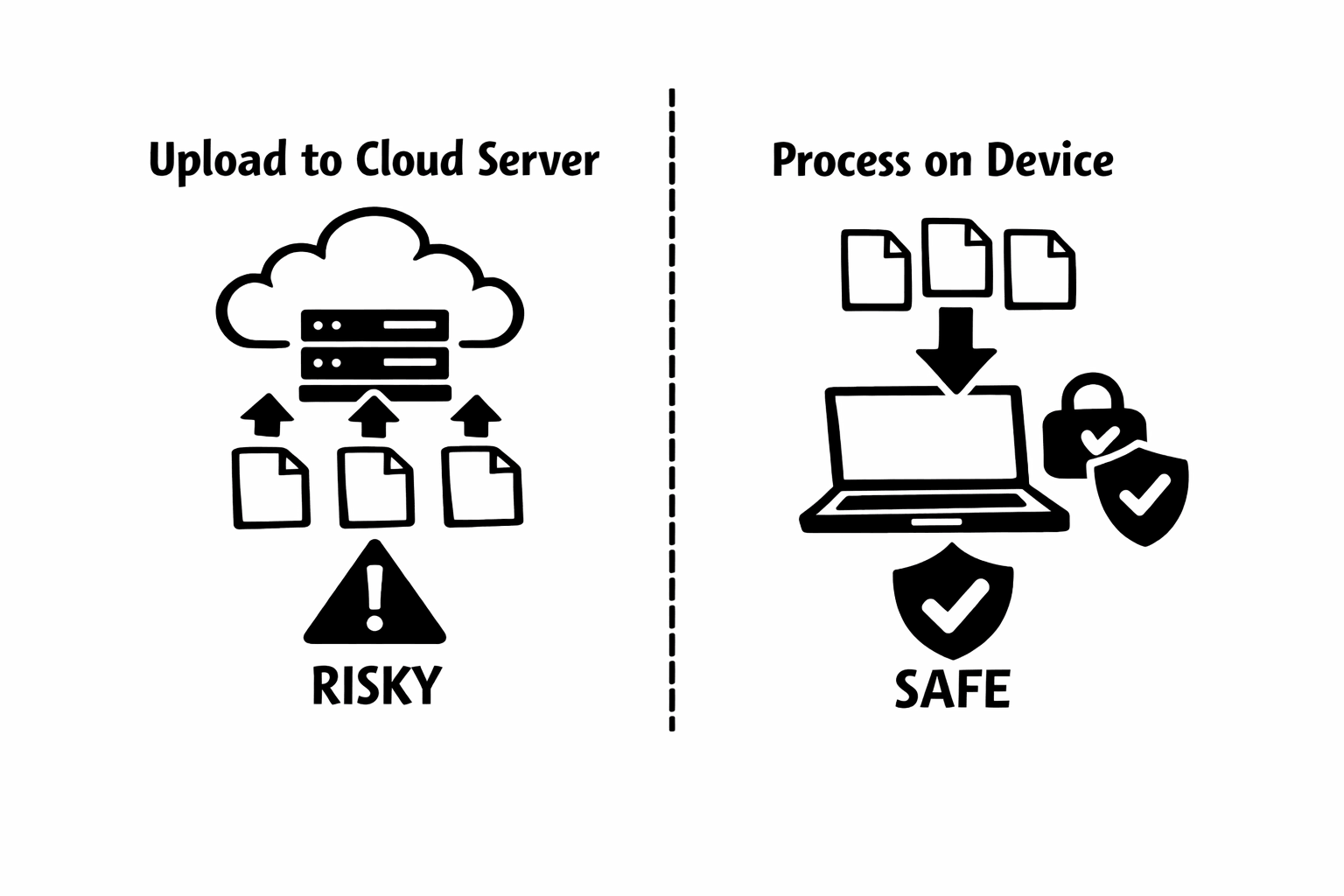
This is why I built Remove Audio to process everything locally in the browser. When your video never leaves your device, your private audio never does either. The privacy architecture is not a feature. It is a fundamental requirement for a tool that handles content this sensitive.
"I built a tool that removes audio, but what I really built is a tool that gives creators control. Silence is not the destination. It is the starting point."
Accessibility Is Not Optional
When I started building web tools over a decade ago, accessibility was often treated as an afterthought. Build the thing first, then bolt on accessibility features later if there was time and budget. That mindset has rightly evolved, and video content is catching up.
Silent video with good captions and text overlays is inherently more accessible than audio-dependent video. It works for deaf and hard-of-hearing viewers. It works for people in noisy environments. It works for people in quiet environments who cannot play sound. It works across language barriers when the text is translated.
Removing audio is not the same as making content accessible, but it is often the first step. When you start from a silent base, you are forced to communicate visually. That constraint produces content that reaches a wider audience by design, not as an accommodation.
The Copyright Minefield
Copyright is the boring-sounding reason that actually causes the most urgent audio removals. I see spikes in tool usage that correlate with platform-wide copyright enforcement waves. A creator posts a video with a popular song playing in the background of their cafe, gets flagged, and suddenly needs to strip audio from a dozen videos before their account gets restricted.
The tricky part is that copyright does not only apply to music you intentionally included. A radio playing in a store, a TV in the background, someone's ringtone in a public space, all of these can trigger automated content recognition systems. The safest approach for commercial and brand content is to start with a silent base and add only licensed audio.
I have heard from social media managers who now have a standard workflow: record footage, immediately strip audio, then add licensed music from the platform's library. It sounds like an extra step, but it eliminates an entire category of risk.
Creative Freedom Starts with a Blank Canvas
There is something liberating about a completely silent video clip. It is the visual equivalent of a blank page. Every audio decision is now intentional rather than inherited from the recording environment.
I have talked to video editors who strip audio from every clip before starting a project, even clips where the original audio is fine. Their reasoning is that it forces them to make deliberate choices about sound design rather than defaulting to whatever the camera captured. It is a creative discipline that produces more polished results.
This applies to everyone from professional editors to someone making a birthday slideshow. When you start silent, you choose exactly what the viewer hears. Background music that sets the right mood. A voiceover recorded in proper conditions. Sound effects that enhance specific moments. Nothing is left to chance.
"The most powerful thing about a silent video is potential. It can become anything you need it to be."
The Technical Benefits Are Real
Beyond creative and strategic reasons, there are practical technical benefits to removing audio. File size decreases, sometimes significantly. An audio track in a short video might only be a few hundred kilobytes, but in a longer recording, especially one captured with high-quality microphones, the audio can account for 20 to 30 percent of the total file size.
Smaller files upload faster, stream more reliably, and consume less storage. If you are managing a library of stock footage, B-roll, or content templates, stripping unnecessary audio from every clip adds up to meaningful storage savings.
There is also a processing consideration. When you edit a video, your software has to decode and manage both the video and audio streams. Removing the audio stream before editing can make your editing software run more smoothly, especially on older hardware.
Why Silence Has Become a Strategy
What strikes me most after building this tool is that silence has evolved from a limitation to a strategy. The old assumption was that removing audio meant something went wrong: the recording was bad, the environment was noisy, the speaker misspoke. Today, removing audio is often the smart first step in a deliberate content workflow.
I think this shift reflects a broader maturation of how we think about digital content. We have moved past the era of one-size-fits-all video. Modern creators produce modular content: visual footage as a base layer, with audio chosen and applied for each specific platform and audience. Silence is not an absence. It is the foundation.
Silence Is a Feature
When I set out to build Remove Audio, I thought I was solving a simple problem: make it easy to strip sound from a video clip. What I discovered is that audio removal touches privacy, accessibility, legal compliance, creative freedom, and content strategy in ways that are far more nuanced than I initially appreciated.
Whether you are a parent protecting your family's privacy, a creator optimizing for sound-off viewers, a brand avoiding copyright risks, or a professional starting every project from a clean slate, the reasons to remove audio are as varied as the people who do it.
I am proud that Remove Audio handles this with the respect the task deserves: locally, privately, and without unnecessary friction. Whatever your reason for wanting silence, the tool is there when you need it.
The Social Media Reality
Multiple studies have confirmed what anyone who has scrolled Instagram in a waiting room already knows: the vast majority of social media video is consumed on mute. The numbers vary by platform and study, but consistently hover between 70 and 85 percent.
This means that if your video only works with audio, you are creating content for a minority of your audience. That is not a judgment. Some content genuinely needs sound: music, podcasts, ASMR. But for tutorials, product demos, behind-the-scenes footage, and most commercial content, designing for silence is designing for reality.
I have watched this shift accelerate over the past few years. The most successful creators I interact with treat audio as an optional enhancement layer, not a structural requirement. They build content that tells a complete story visually, then add audio that enhances rather than enables.